
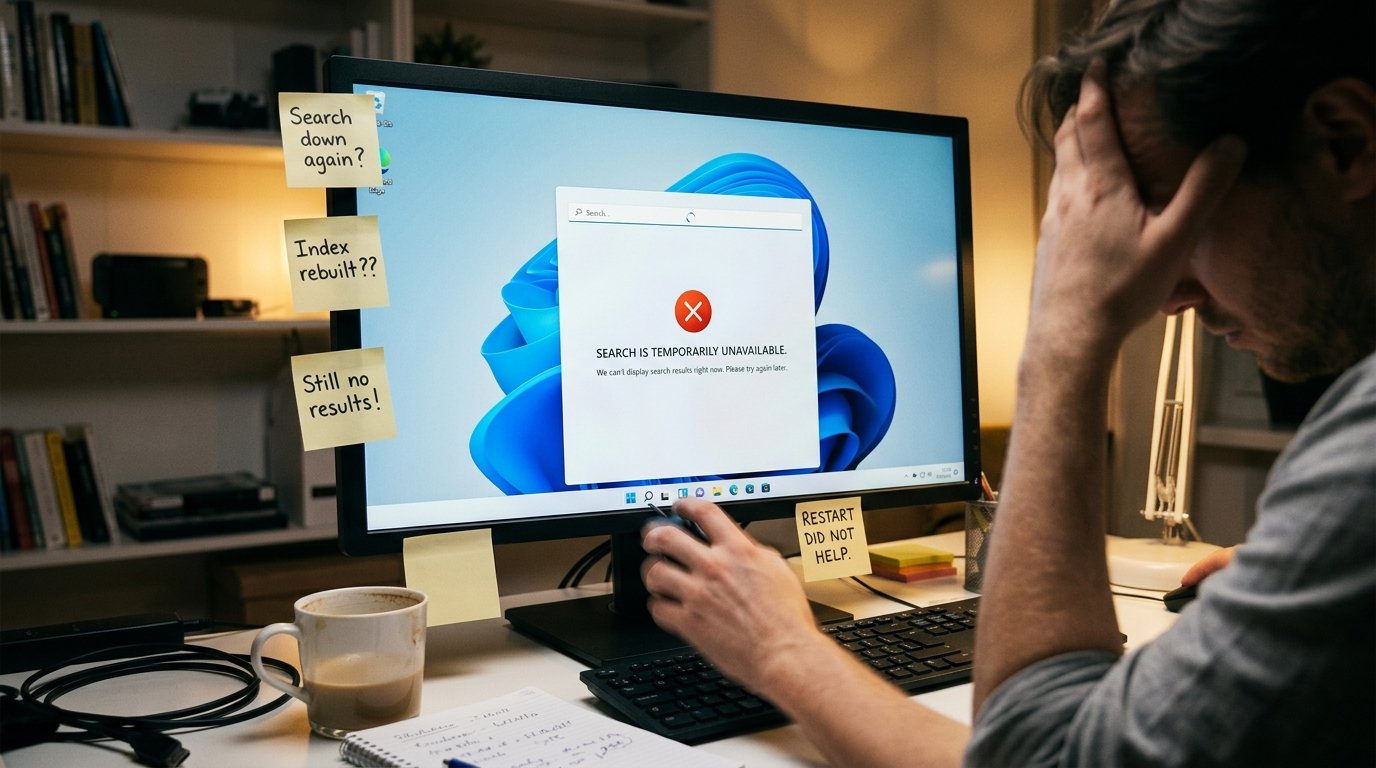
Windows 11 Search কাজ করছে না? ১০টি কার্যকর সমাধান
Windows 11-এর taskbar বা Start menu-এর Search box ব্যবহার করে সাধারণত app, file, folder এবং setting দ্রুত খুঁজে পাওয়া যায়। কিন্তু অনেক সময় Search box খুলতে চায় না, typing গ্রহণ
Windows 11-এর taskbar বা Start menu-এর Search box ব্যবহার করে সাধারণত app, file, folder এবং setting দ্রুত খুঁজে পাওয়া যায়। কিন্তু অনেক সময় Search box খুলতে চায় না, typing গ্রহণ
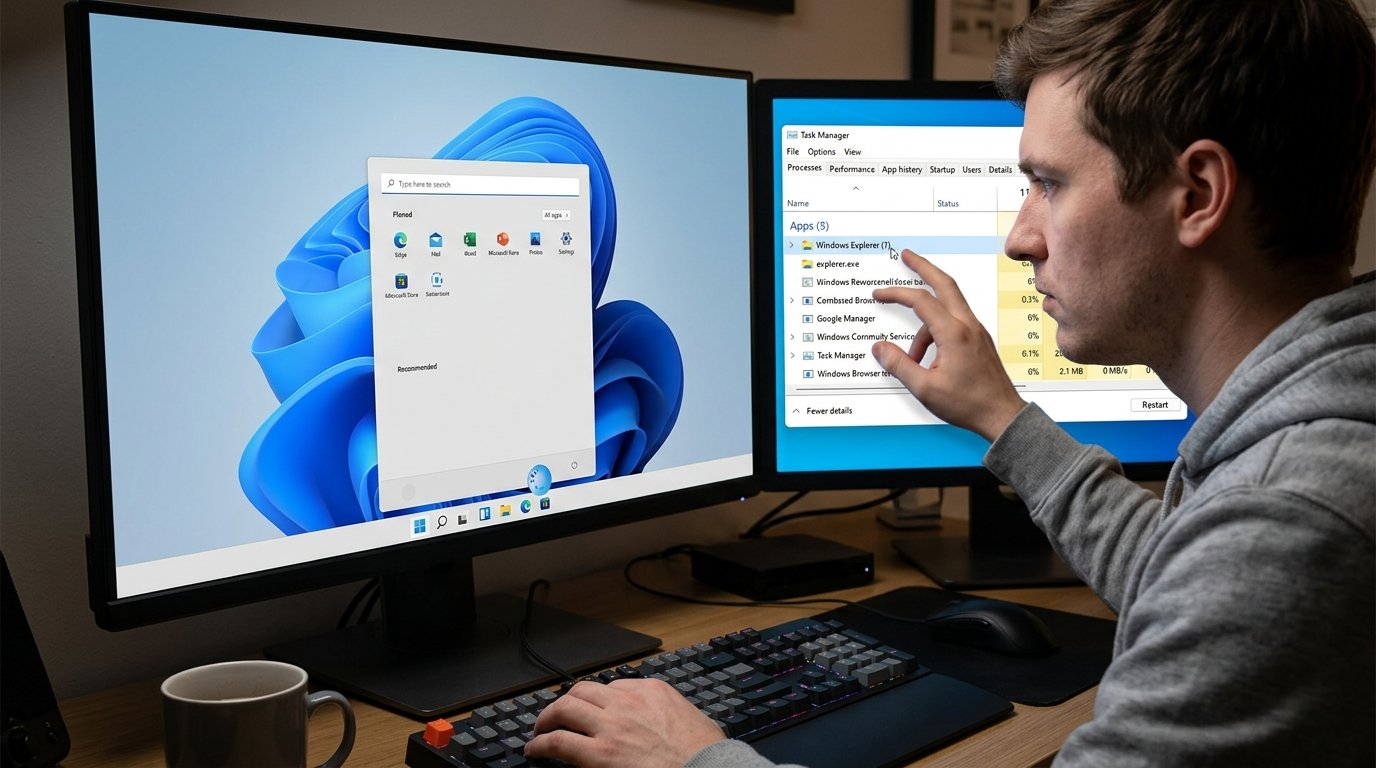
Windows 10 বা Windows 11-এ File Explorer খুললেই হঠাৎ বন্ধ হয়ে যাওয়া, কোনো ফোল্ডারে প্রবেশ করলে Explorer Restart হওয়া অথবা “Windows Explorer is not responding” বার্তা দেখা একটি বিরক্তিকর সমস্যা।
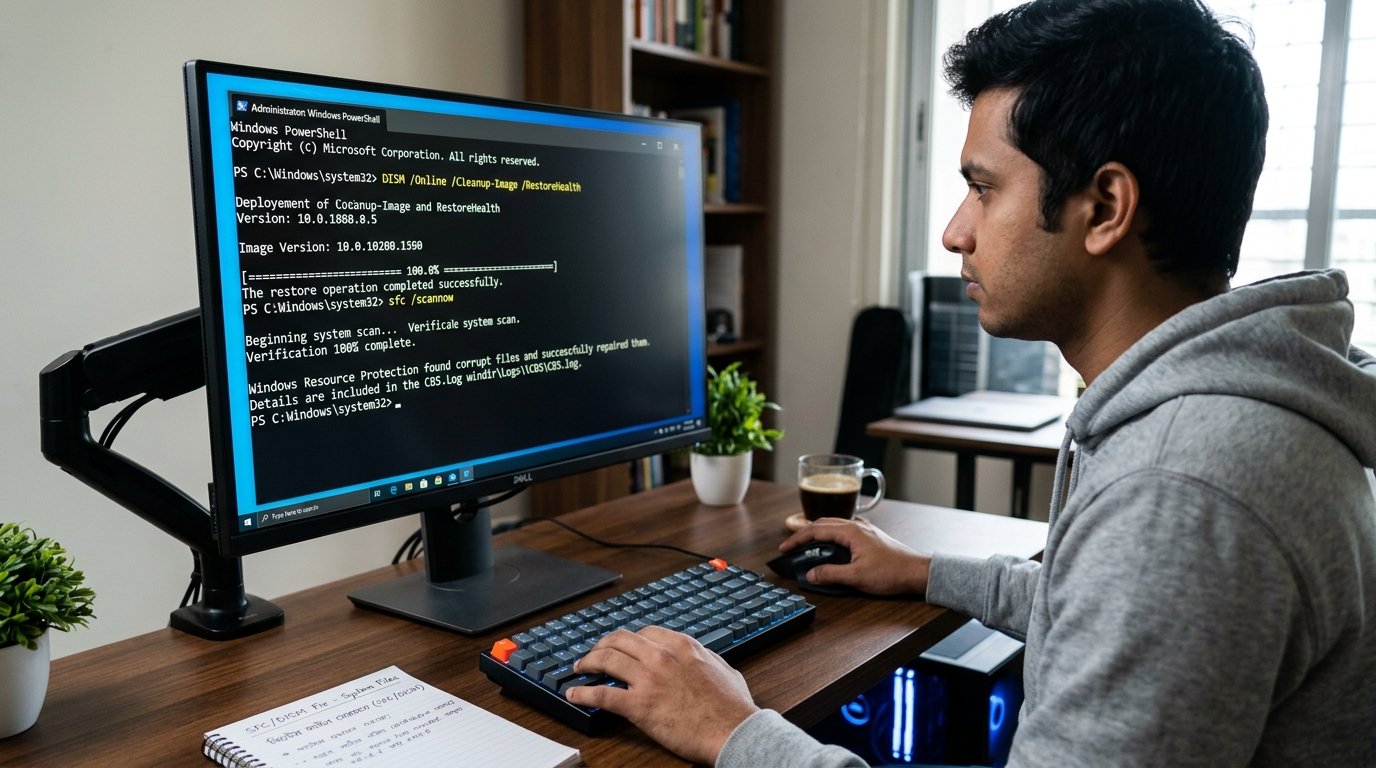
Windows 10 বা Windows 11 ব্যবহার করার সময় অ্যাপ চালু না হওয়া, Start Menu বা Settings কাজ না করা, File Explorer বারবার Crash করা, Windows Update ব্যর্থ হওয়া কিংবা অস্বাভাবিক
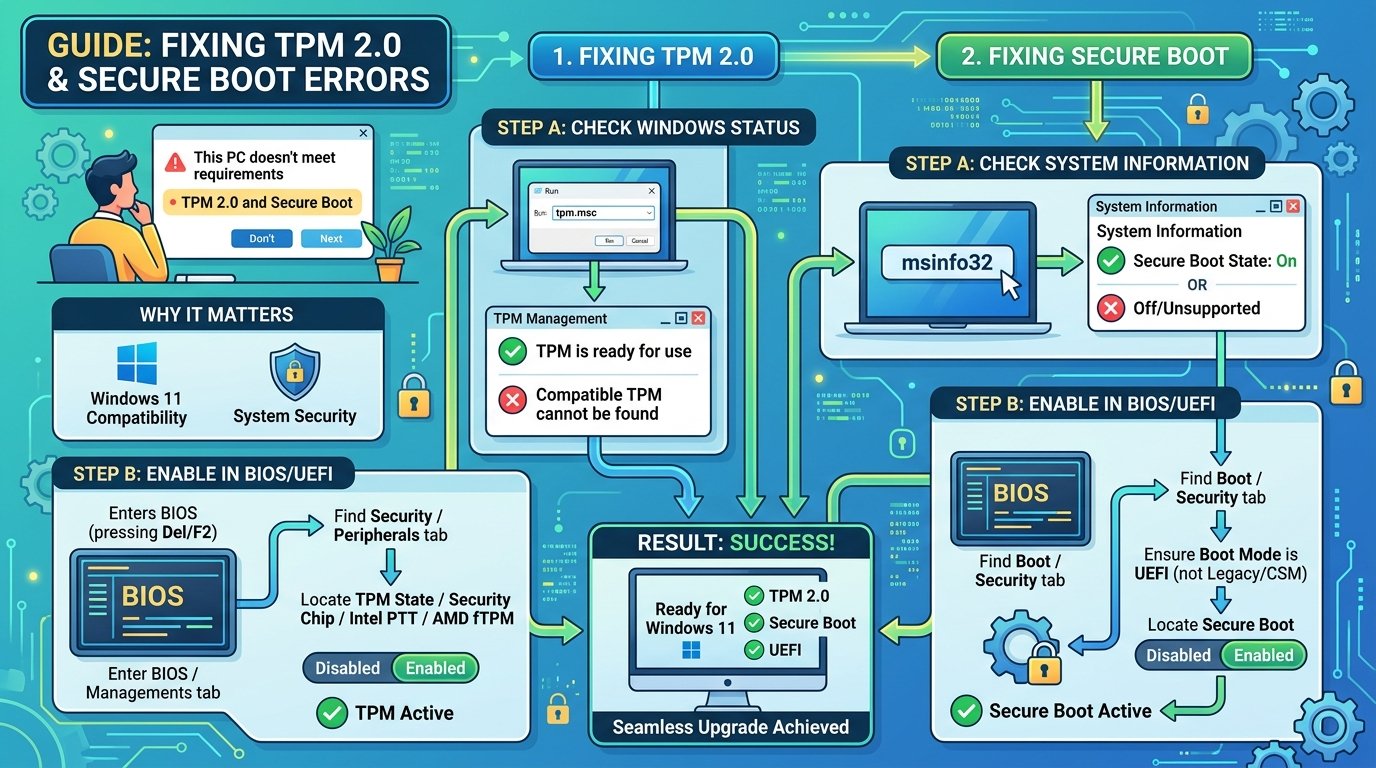
Windows 11 Install বা Upgrade করার সময় “This PC can’t run Windows 11”, “TPM 2.0 must be supported and enabled” অথবা “The PC must support Secure Boot” ধরনের Error দেখা
Windows 10 বা Windows 11-এর desktop-এর ডান নিচে **“Activate Windows—Go to Settings to activate Windows”** লেখা দেখা গেলে সাধারণত Windows সঠিকভাবে activated নয় অথবা আগের activation আর যাচাই করা যাচ্ছে
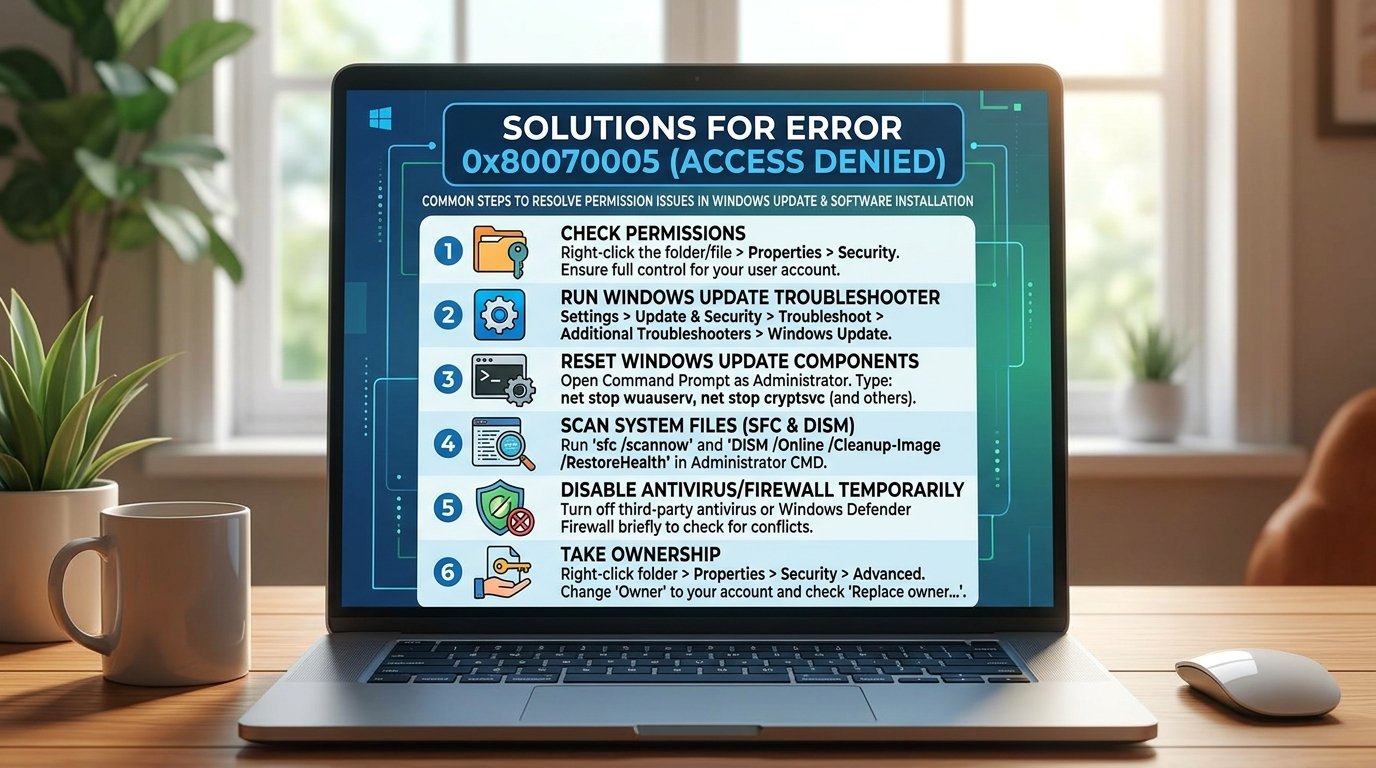
Windows 10 বা Windows 11-এ Software Install, Windows Update, Microsoft Store, File Copy, System Restore অথবা কোনো Folder Access করার সময় Error 0x80070005 দেখা যেতে পারে। এই Error-এর সঙ্গে সাধারণত